Text Comparison (Diff)
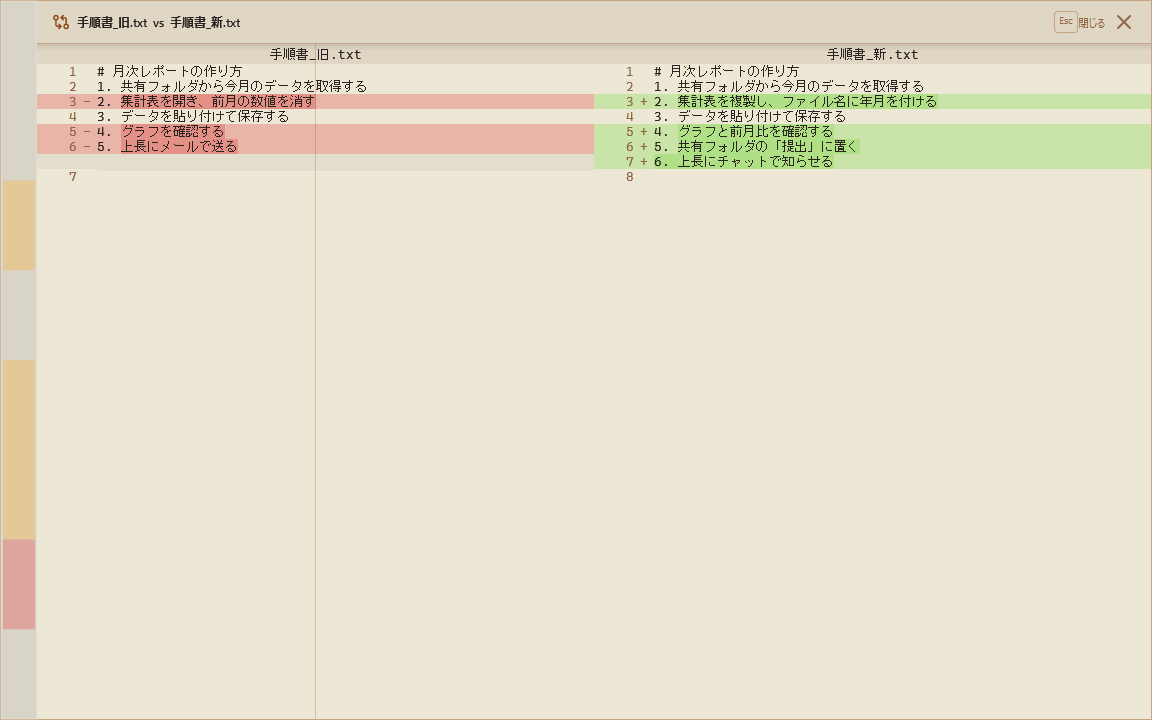
A feature that compares two text files side by side, highlighting the differences.
-
How to launch: Select a file in Pane A, then choose "Text Compare" from the context menu. Select the file to compare against, and the Diff view opens.
-
Diff minimap: A minimap of the entire file's differences is displayed on the right edge of the screen, providing an overview of where changes are located.
-
Synchronized scrolling: The left and right panels scroll in sync, keeping corresponding lines aligned side by side.